Filters

Changing any of the form inputs will cause the list of events to refresh with the filtered results.

  • Using Copilot in Word

    Webinar Greensboro, NC, United States

    Discover how Copilot can help you spend less time staring at a blank page and more time refining your ideas. In this workshop, we’ll explore practical ways to use Copilot in Word to draft, rewrite, summarize, and work with the information in your documents. You’ll learn how to give Copilot... Continue reading...

  • Copilot: Elevating OneDrive and SharePoint

    Webinar Greensboro, NC, United States

    See how Copilot for Microsoft 365 can help you work more efficiently with the files and information you already have in OneDrive and SharePoint. In this webinar, we’ll explore how Copilot can help you quickly summarize documents, compare files, find important information, and ask questions about your content. We’ll demonstrate... Continue reading...

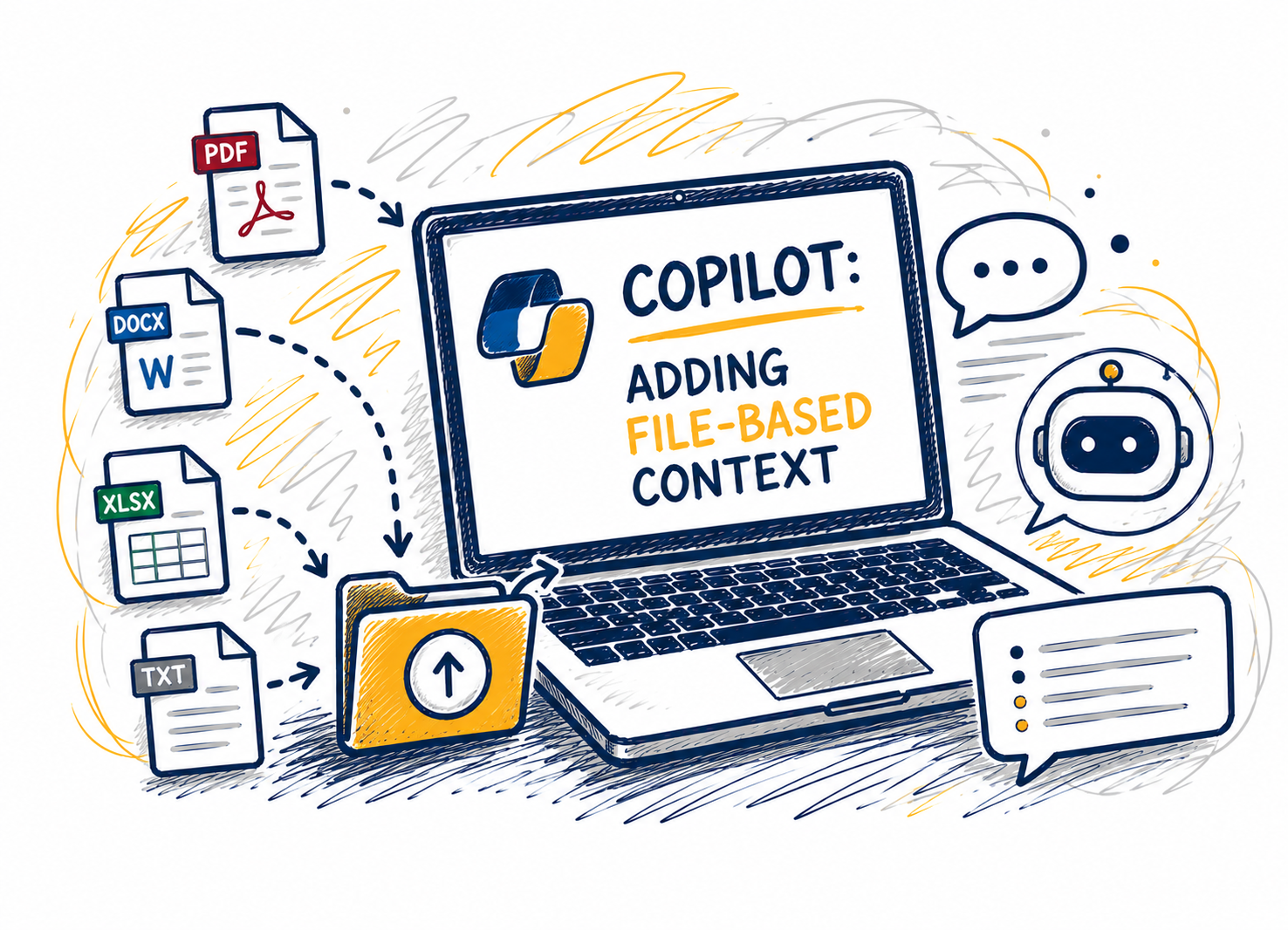
  • Copilot: Adding File-Based Context

    Webinar Greensboro, NC, United States

    This session shows how adding files changes Copilot Chat’s reasoning by grounding responses in a clear source of truth. Attendees will learn when to attach files versus when to start with questions, which file types work best, and how to combine files with explicit instructions to improve specificity and reduce... Continue reading...

  • Copilot: Advanced Prompting Techniques

    Webinar Greensboro, NC, United States

    In this advanced session, you’ll learn how to get better results from Microsoft 365 Copilot Chat by improving the way you prompt. We’ll cover key Copilot terms, the differences between unlicensed and licensed experiences, and practical techniques like intent lines, constraint prompts, and iterative refinement. You’ll see step-by-step examples and... Continue reading...

  • Copilot: AI for Collaboration (Outlook & Teams)

    Webinar Greensboro, NC, United States

    Enhance the way you communicate and collaborate with Microsoft Copilot in Outlook and Teams. In this workshop, you’ll explore how Copilot can help streamline email management, improve meeting productivity, and keep teams aligned. Learn practical ways to save time, summarize conversations, draft messages, capture action items, and stay informed with... Continue reading...

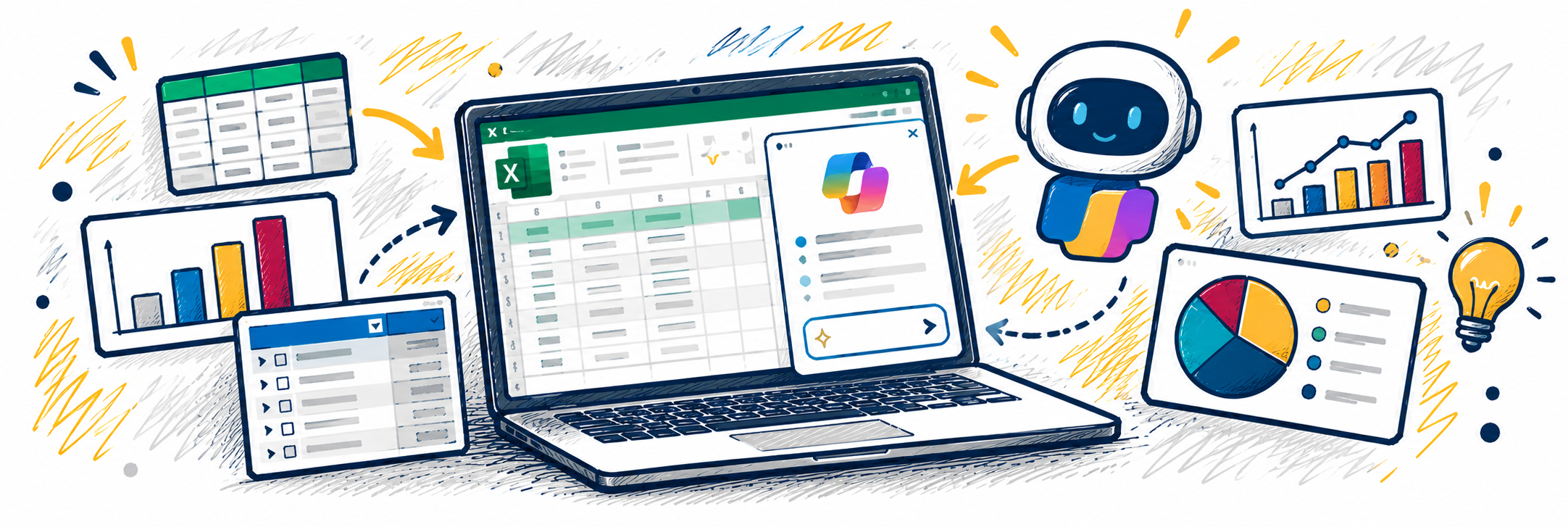
  • Copilot in Excel

    Webinar Greensboro, NC, United States

    Ever look at a spreadsheet and wonder what the data is really telling you? Copilot in Excel can help you explore your data, uncover insights, and get a head start on common spreadsheet tasks. In this workshop, we’ll explore practical ways to use Copilot to work with data in Excel.... Continue reading...

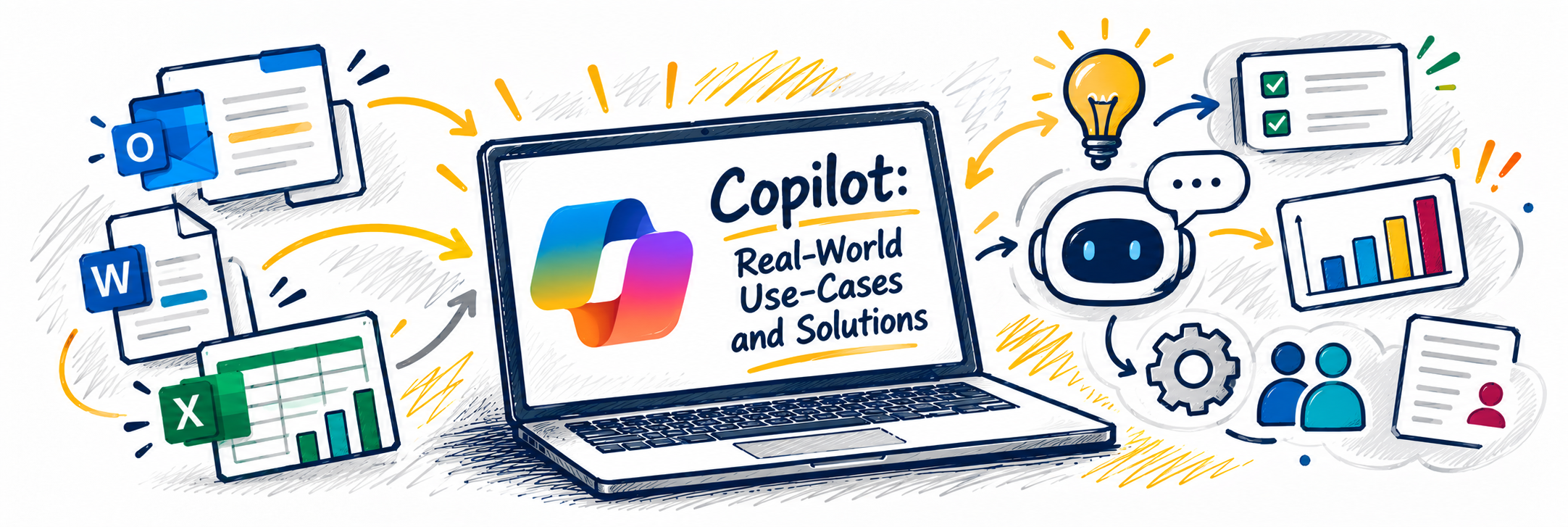
  • Copilot: Real-World Use-Cases and Solutions

    Webinar Greensboro, NC, United States

    Microsoft 365 Copilot is your intelligent assistant designed to enhance productivity and streamline your workflow. Learn how Copilot can assist you through a SharePoint redesign or branding your pitch decks in PowerPoint. This webcast will guide you through common scenarios where Copilot can be your go-to tool, showcasing its capabilities... Continue reading...

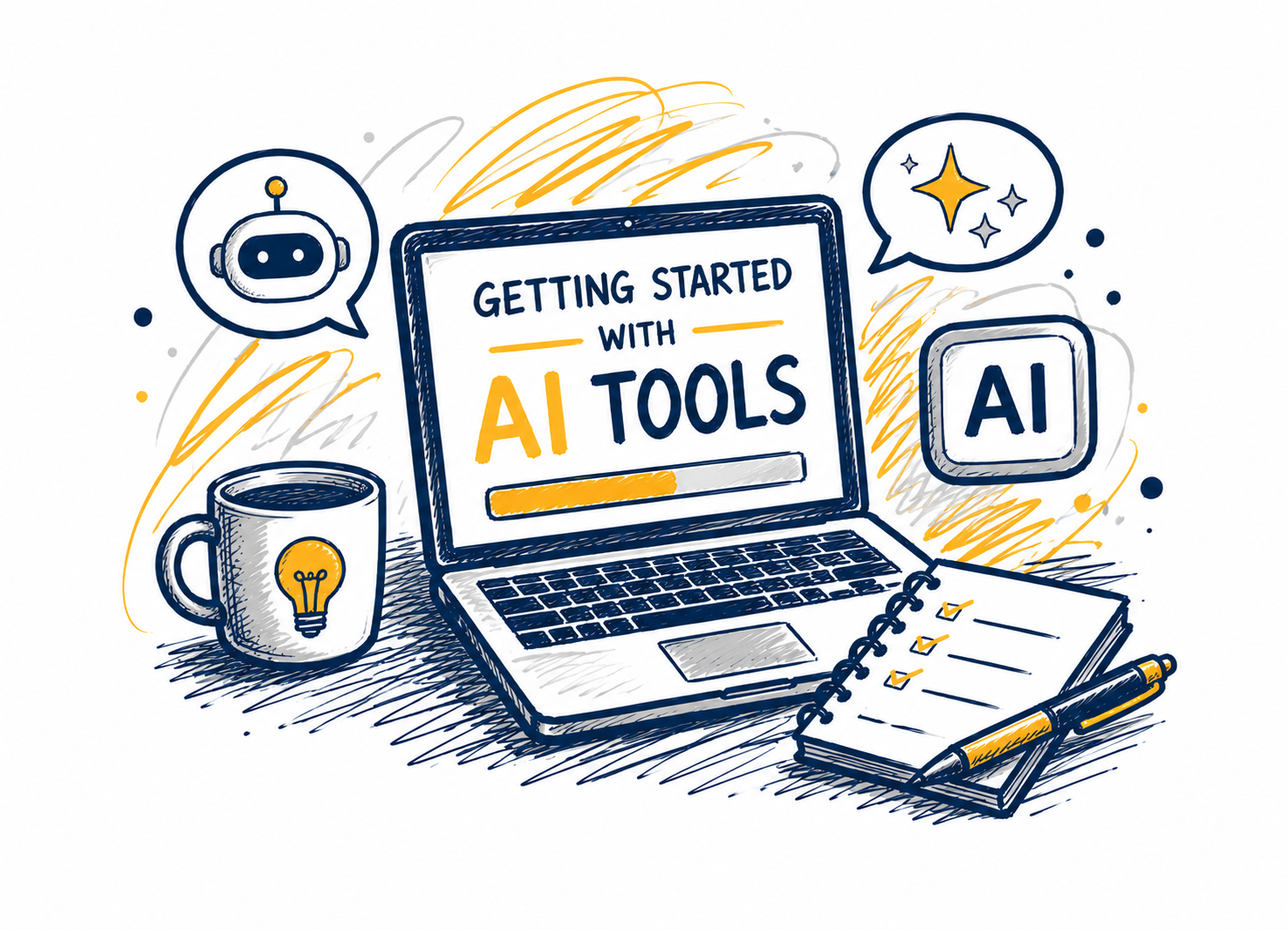
  • Getting Started with AI Tools

    Webinar Greensboro, NC, United States

    Cutting-edge AI tools like Microsoft Copilot and ChatGPT are revolutionizing the ways we perform our jobs and conduct business across all sectors, public and private. AI technologies elevate our tasks and maximize our relationships with data like never before. In this webcast, we’ll explore integrating these tools into everyday workflows... Continue reading...